Sculpt in digital clay.
Shapeaway is a sculpting app for Windows that behaves like real clay. Push, pull, carve and paint with a mouse or a pen, and the surface never tears. When it’s done, render it or send it to your 3D printer.
£39 once, no subscription · Free demo · Windows 10 and 11 · Mouse or pen tablet · STL, OBJ, GLB and 3MF
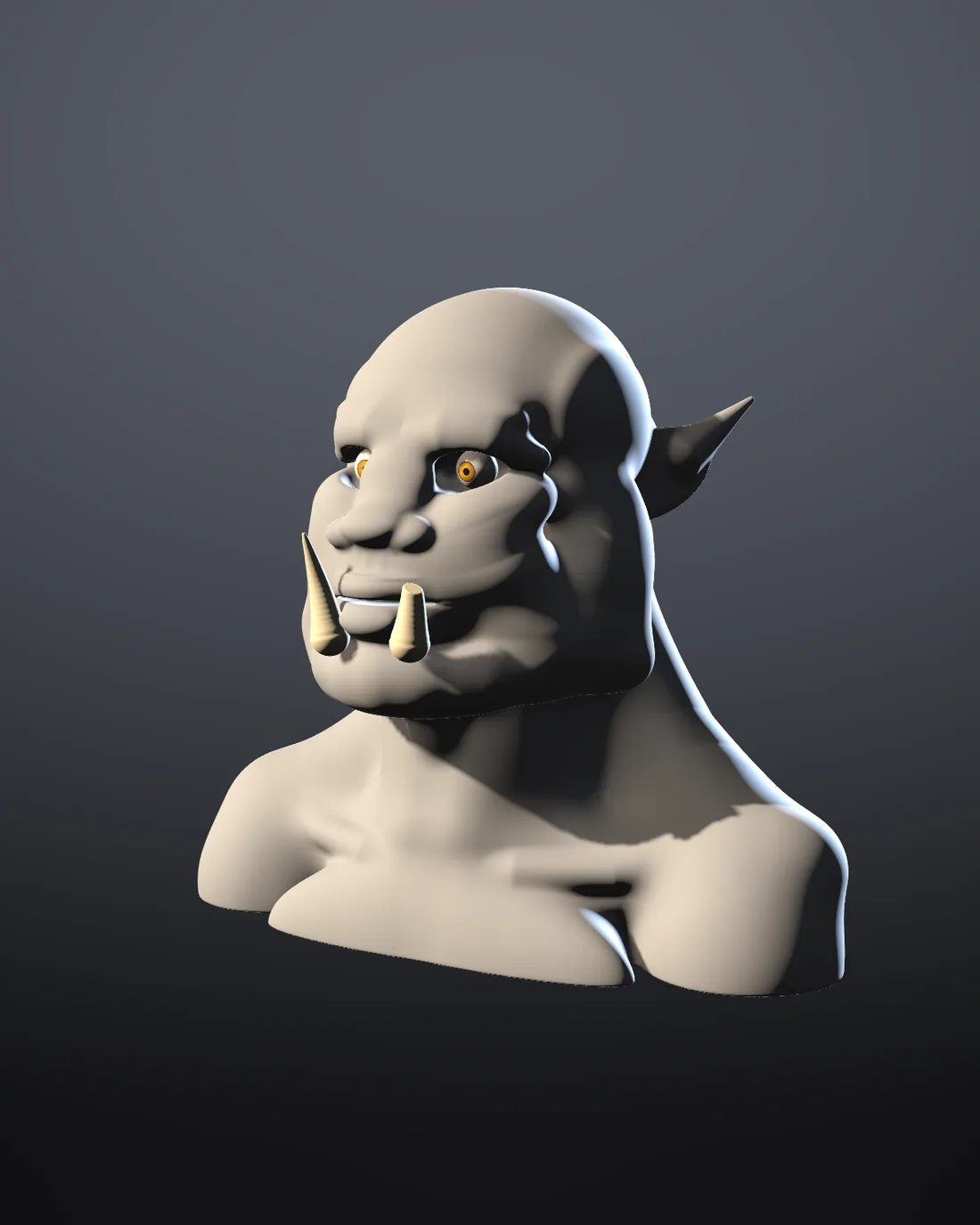
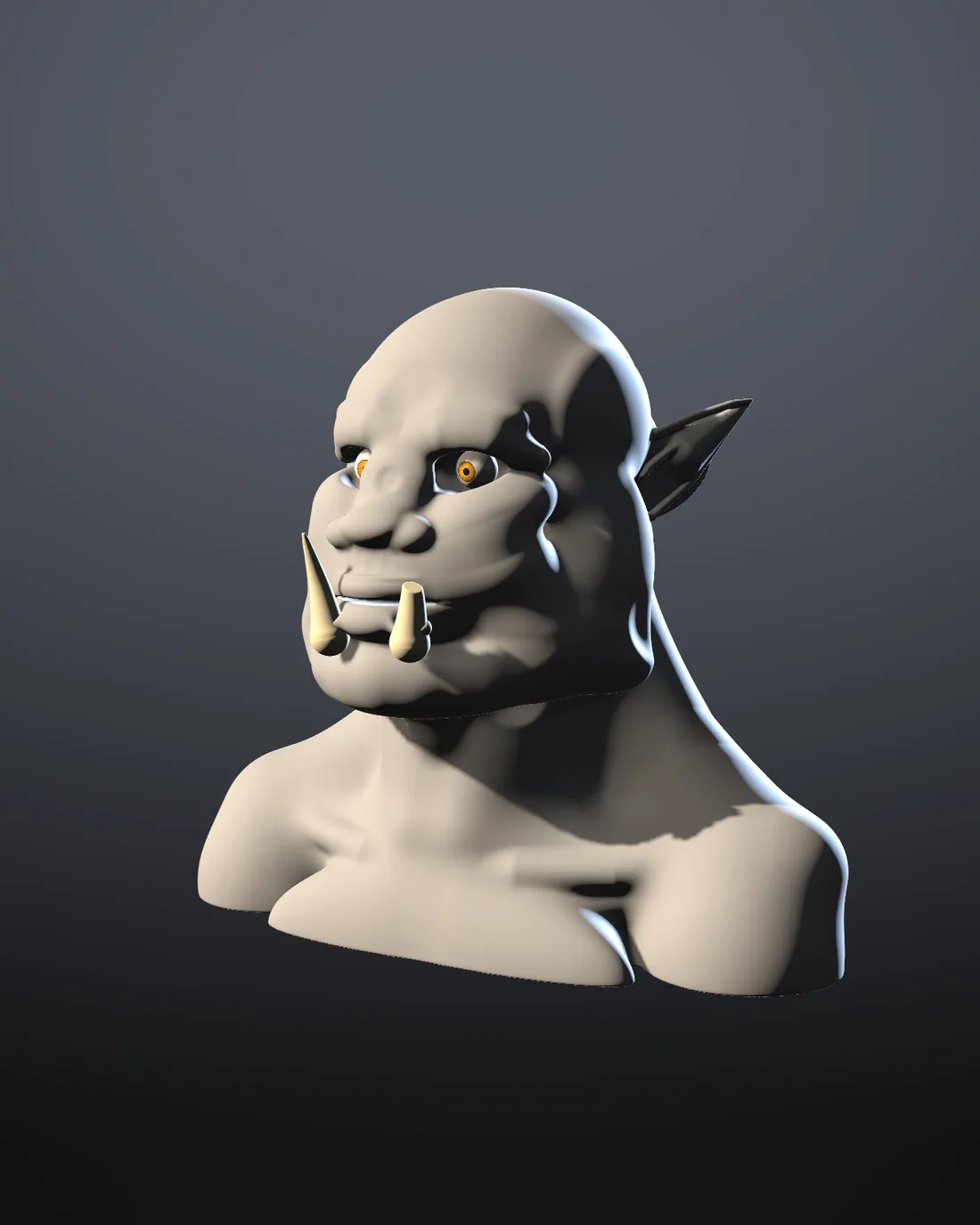
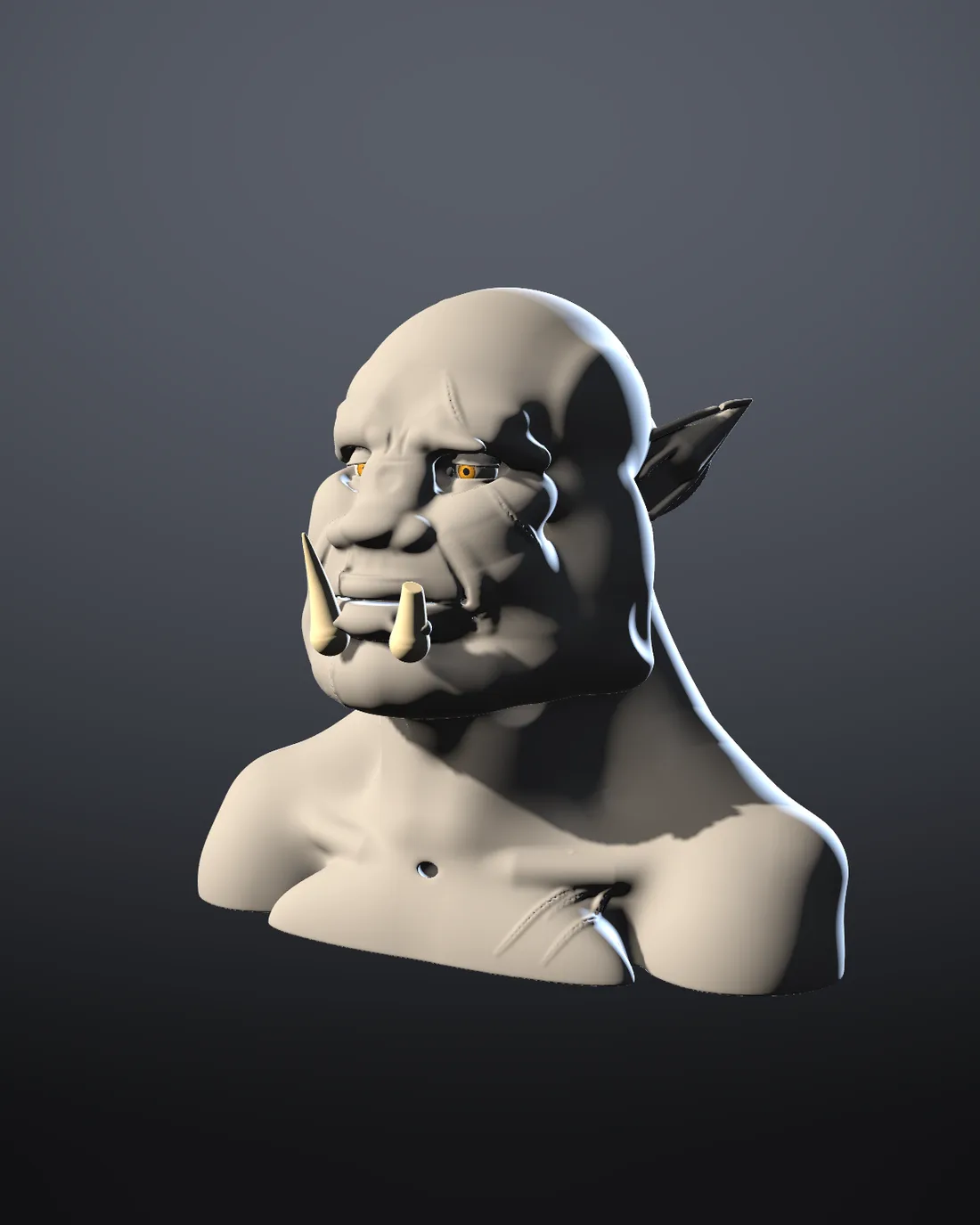
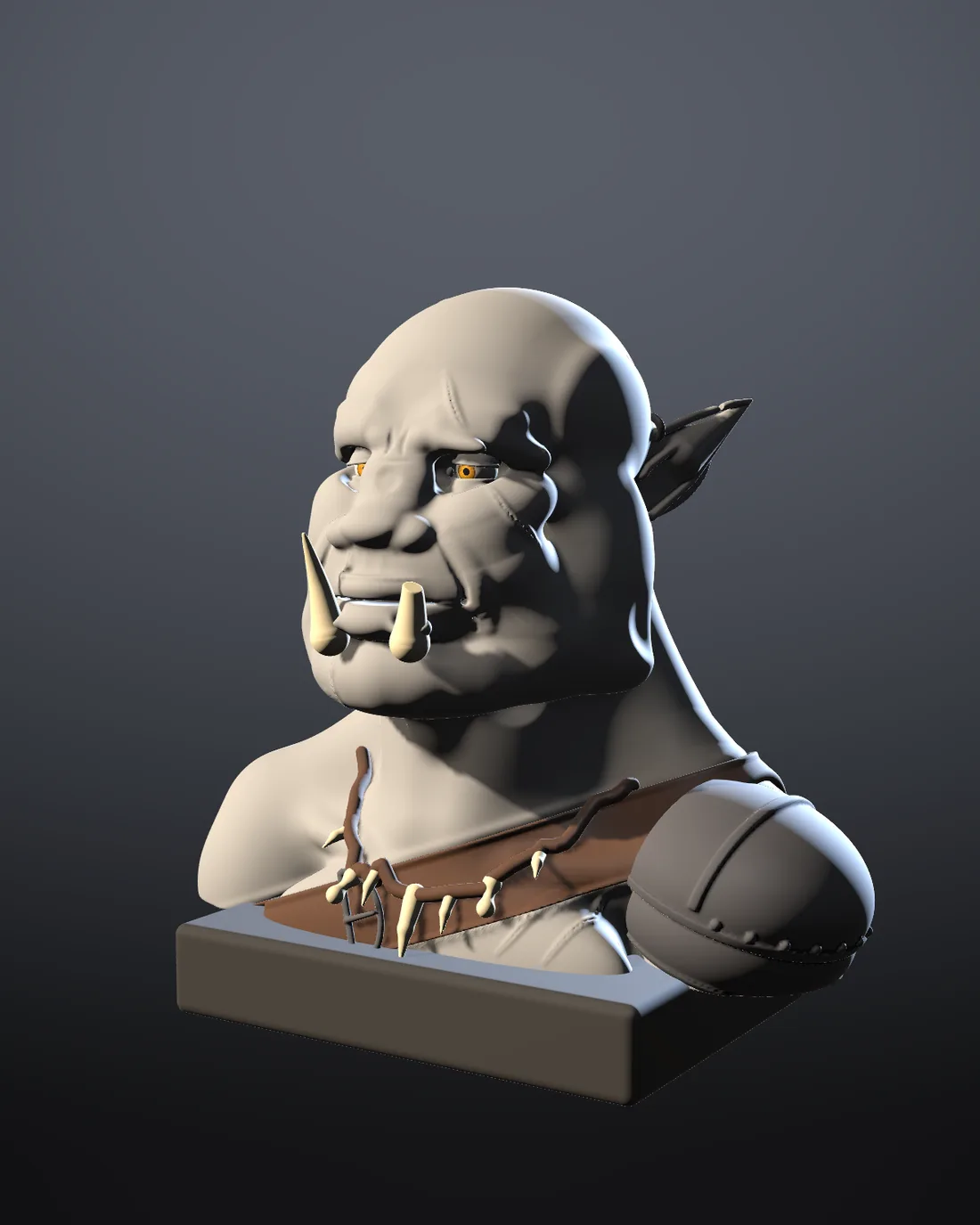
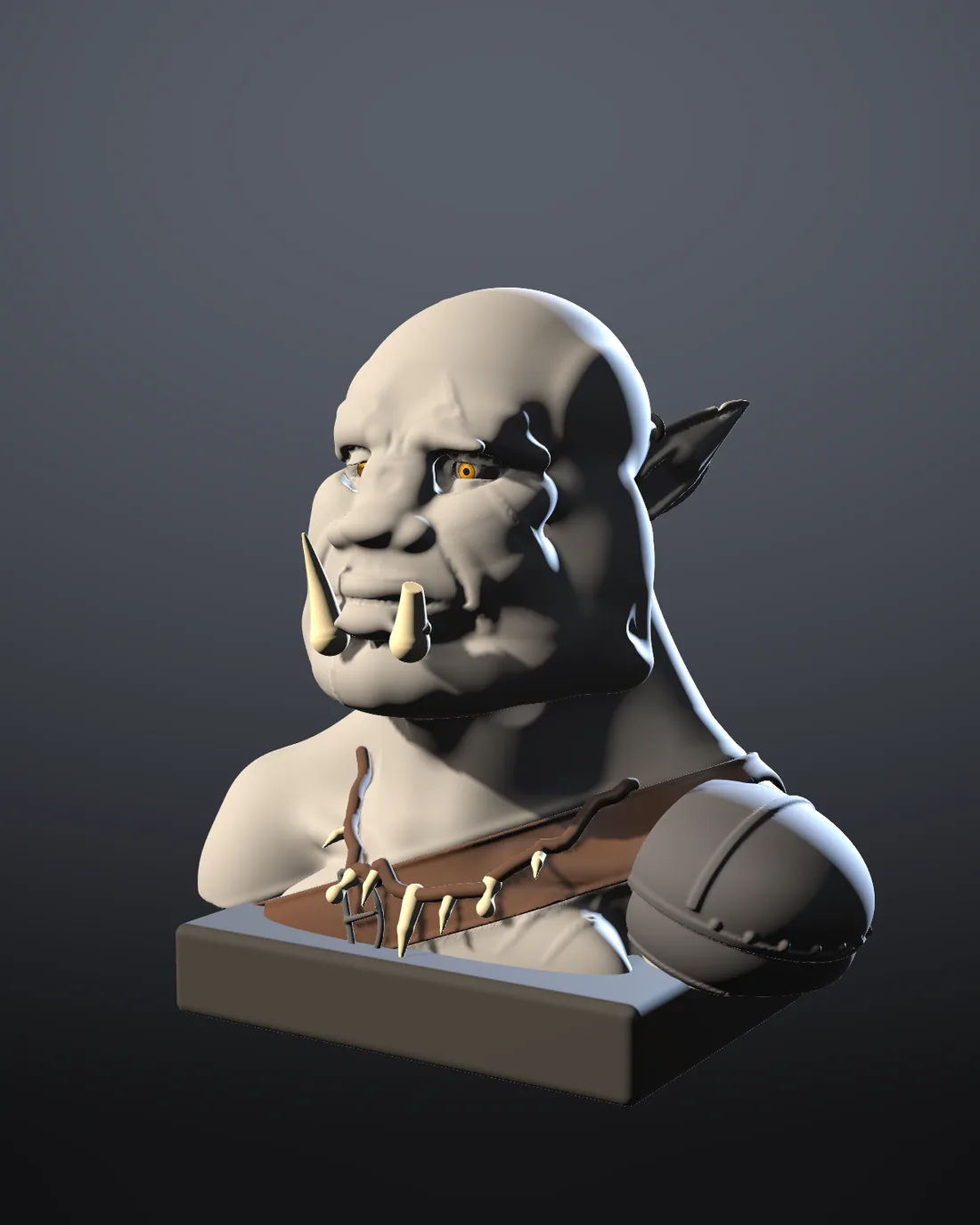
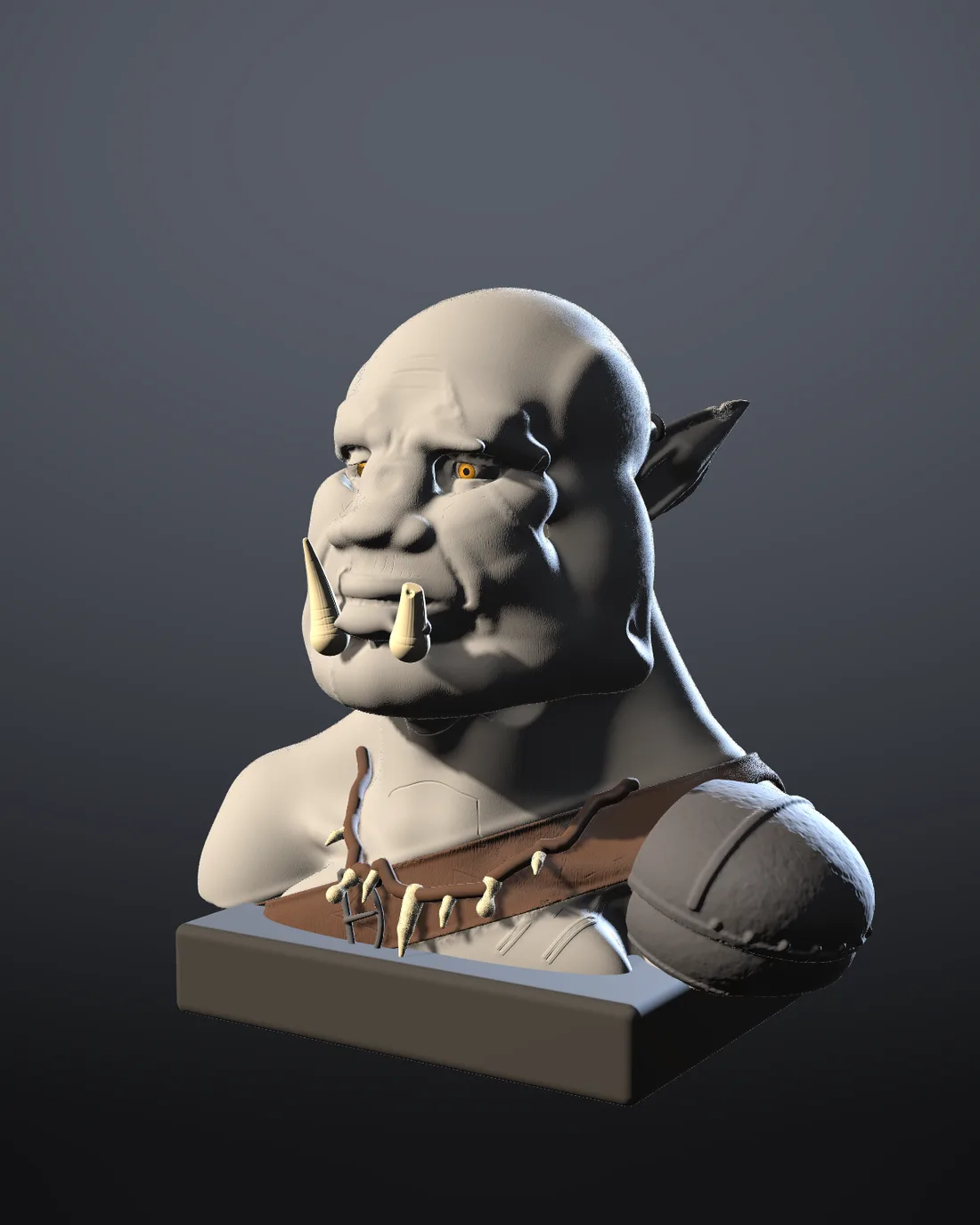
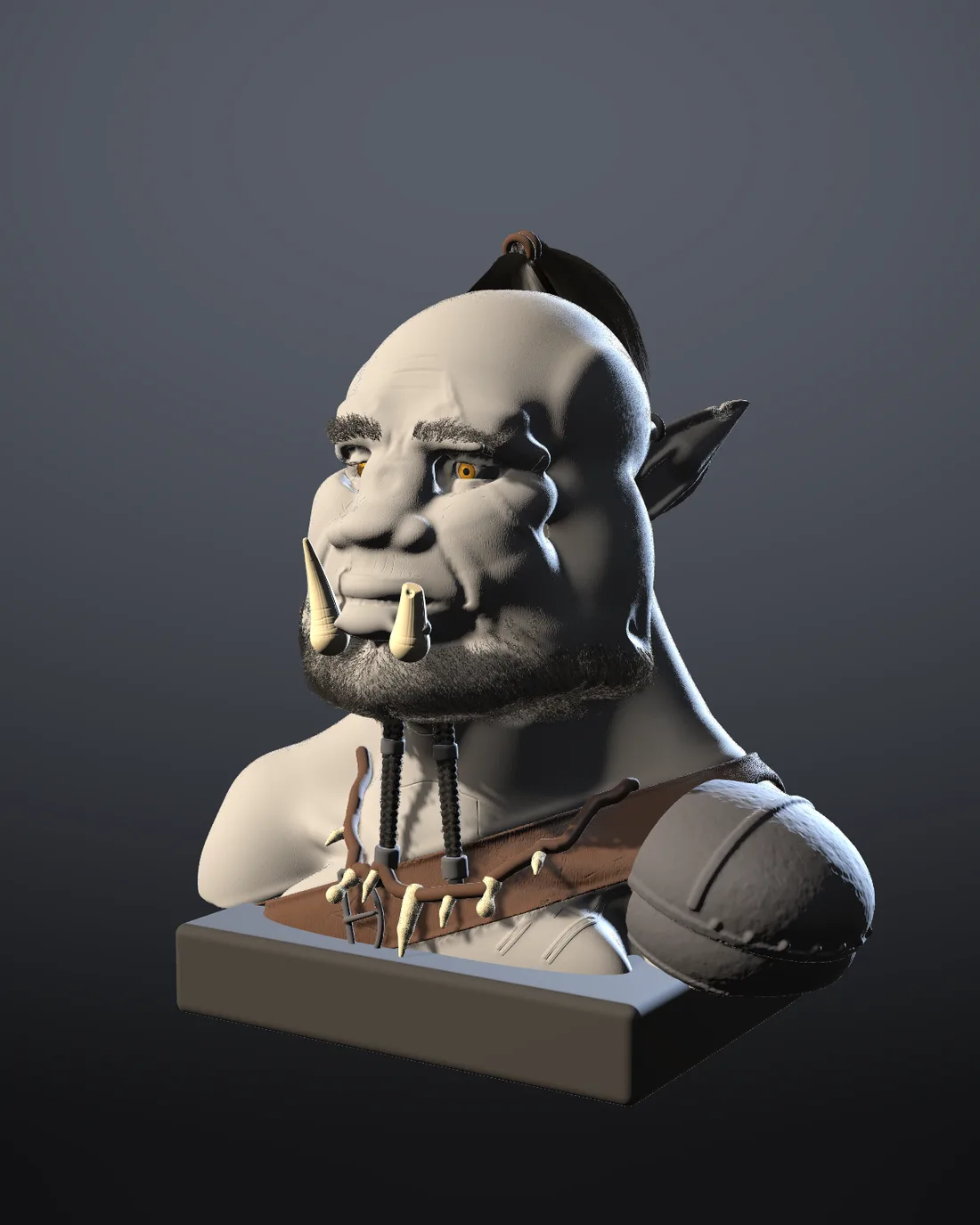
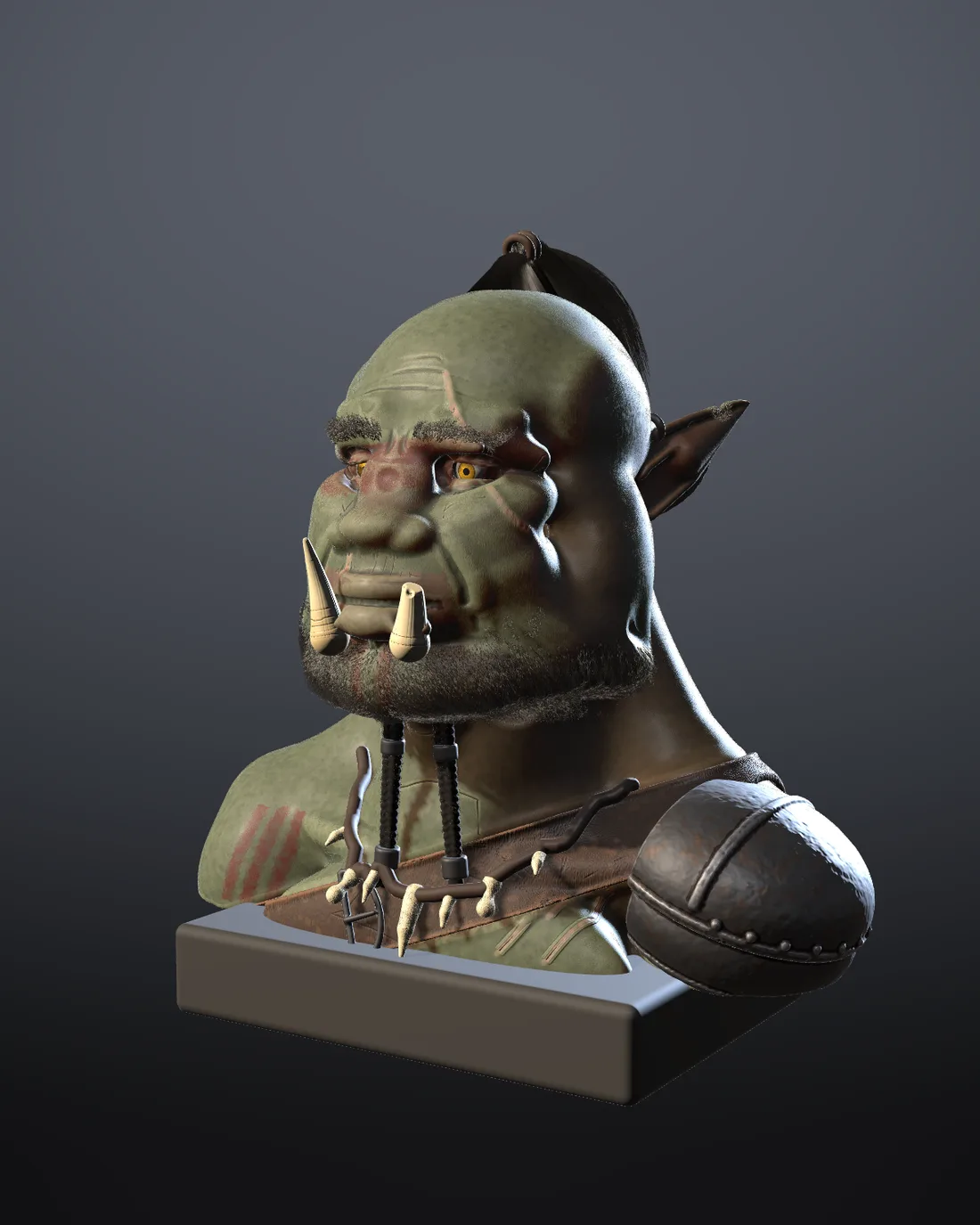
From a lump to a print
To begin, block out the big shapes. Pile clay on with Add, cut it away with Carve, drag whole masses with Grab. Shapeaway clay is a volume, not a mesh of polygons, so it never tears, pinches or needs a remesh, and a hole is just one stroke.
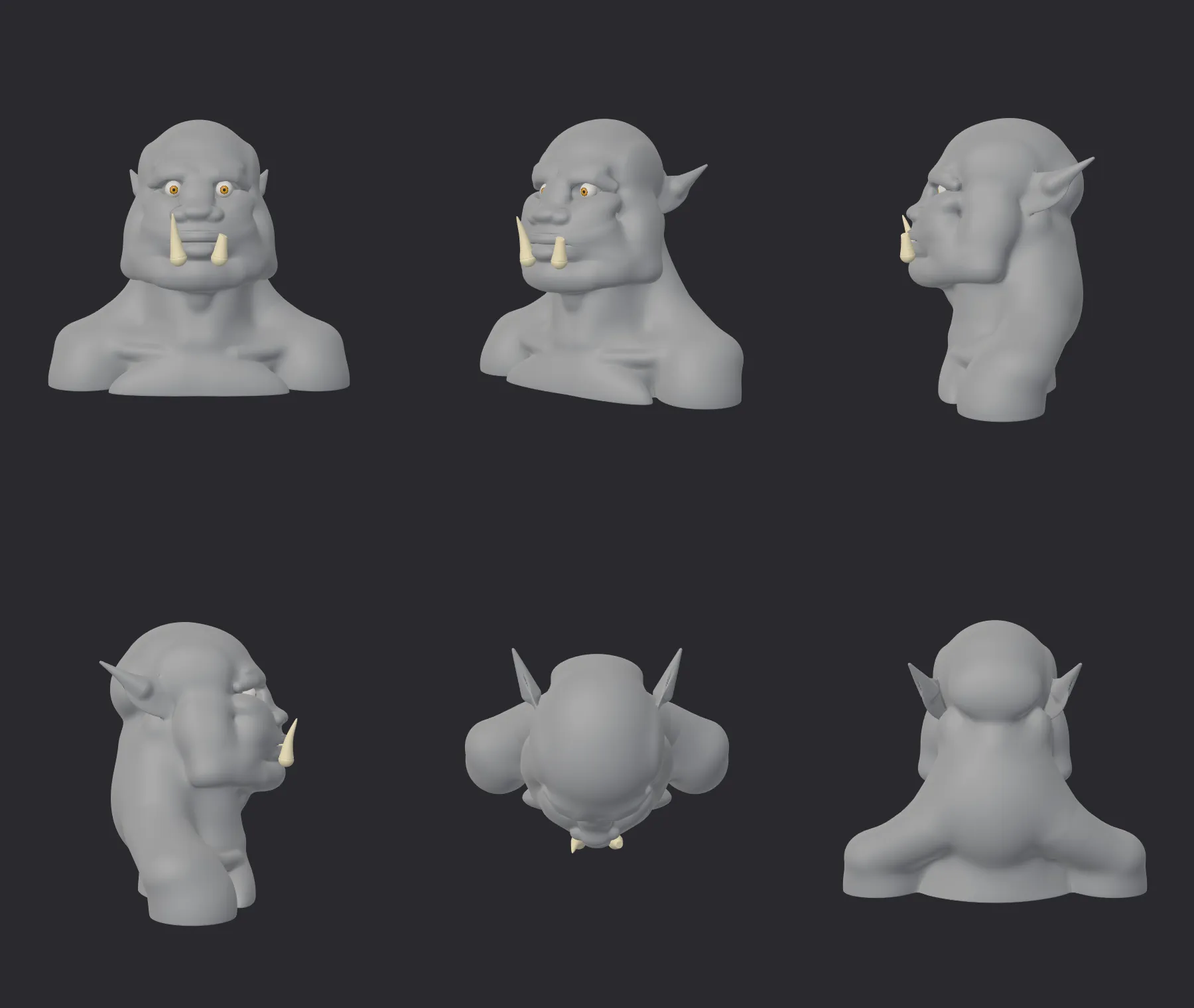
Then, add detail where it matters. Add detail freezes a form into a high-resolution detail mesh with subdivision levels, for scales, pores and wrinkles, and seven surface alphas stamp them in. Back to clay turns it into clay again whenever the big shape needs to change.
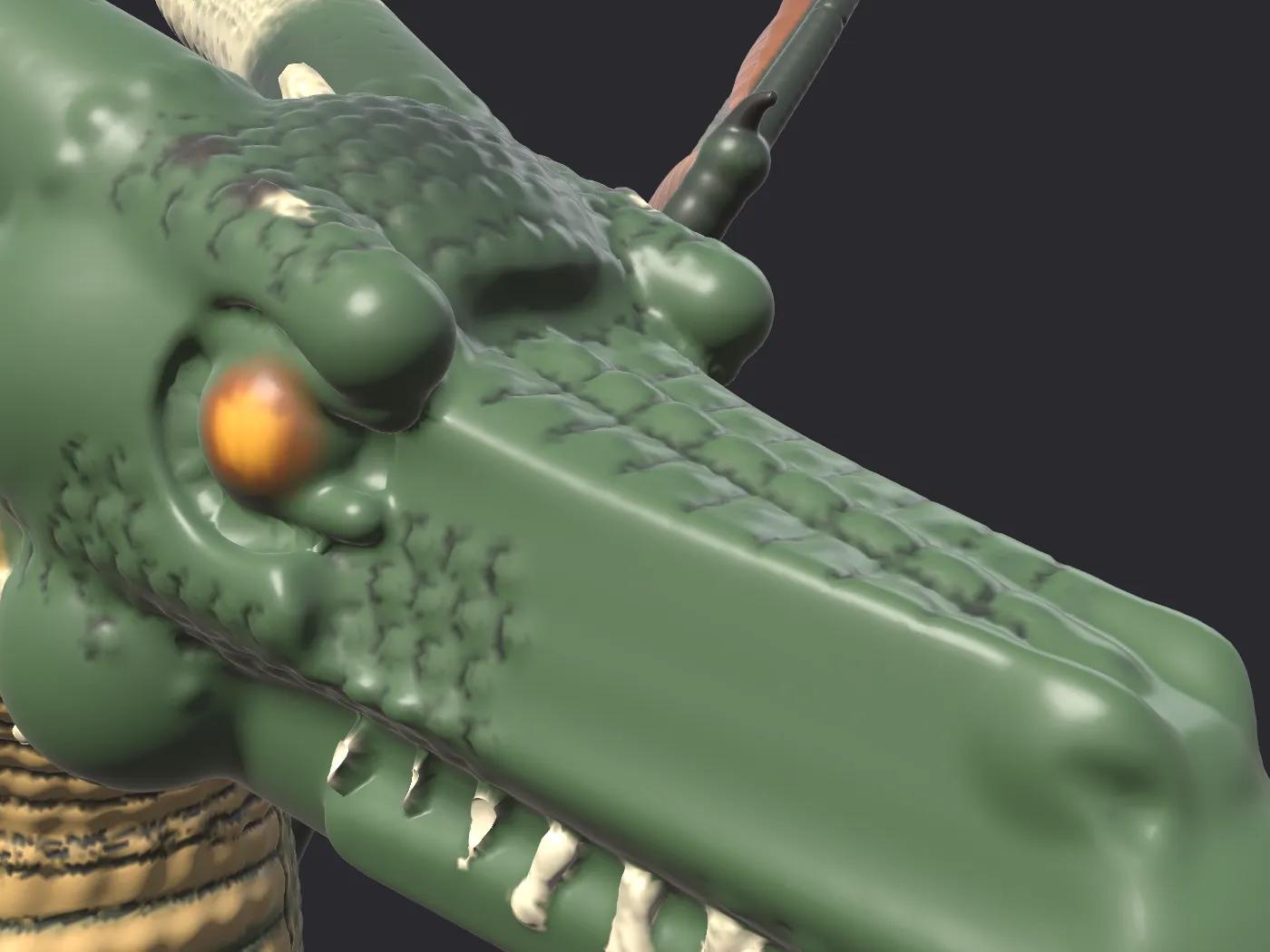
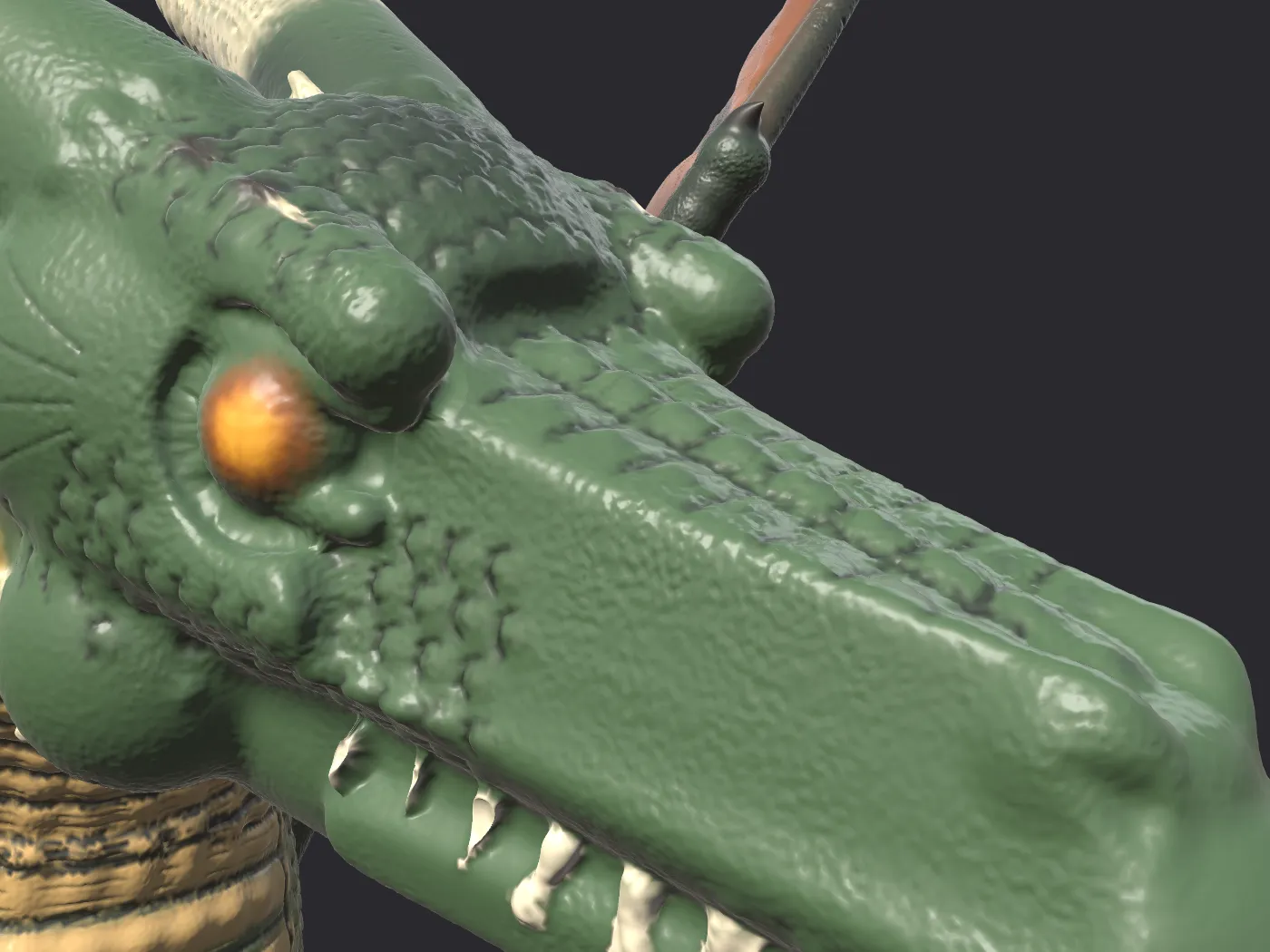
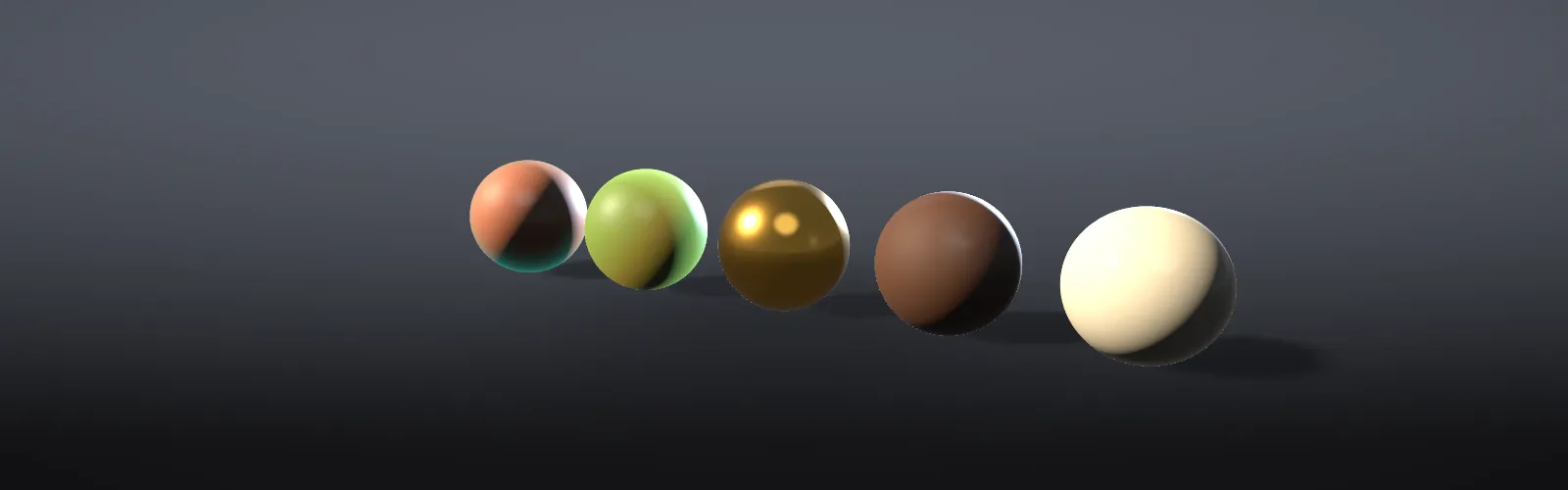
Then, give it colour and light. Paint straight onto the surface, give each part a finish (skin, leather, metal, bone or fabric), groom hair and stubble as real strands, and light it with studio presets, a backdrop and depth of field.
Finally, print it or ship it. Split it into parts with alignment pegs, add a base with lettering, and export STL or multi-colour 3MF. Or bake normal and colour maps and take a low-poly OBJ into a game engine.
- orc_bust_250mm-Orc.stlHead and body
- orc_bust_250mm-Pauldron.stlShoulder armour
- orc_bust_250mm-Plinth.stlBase
- orc_bust_250mm-Bone necklace.stlNecklace
- orc_bust_250mm-Beard braids.stlBraids
- orc_bust_250mm-Eye L.stl · Eye R.stlEyes
- orc_bust_150mm.3mfWhole bust, multi-colour
Clay, not polygons
Polygon sculpting and CAD describe the usual way those kinds of tools work, not any one product.
Light it like a photograph
These are real renders of one bust. Change the light and the camera the way you would in Shapeaway’s Looks panel.
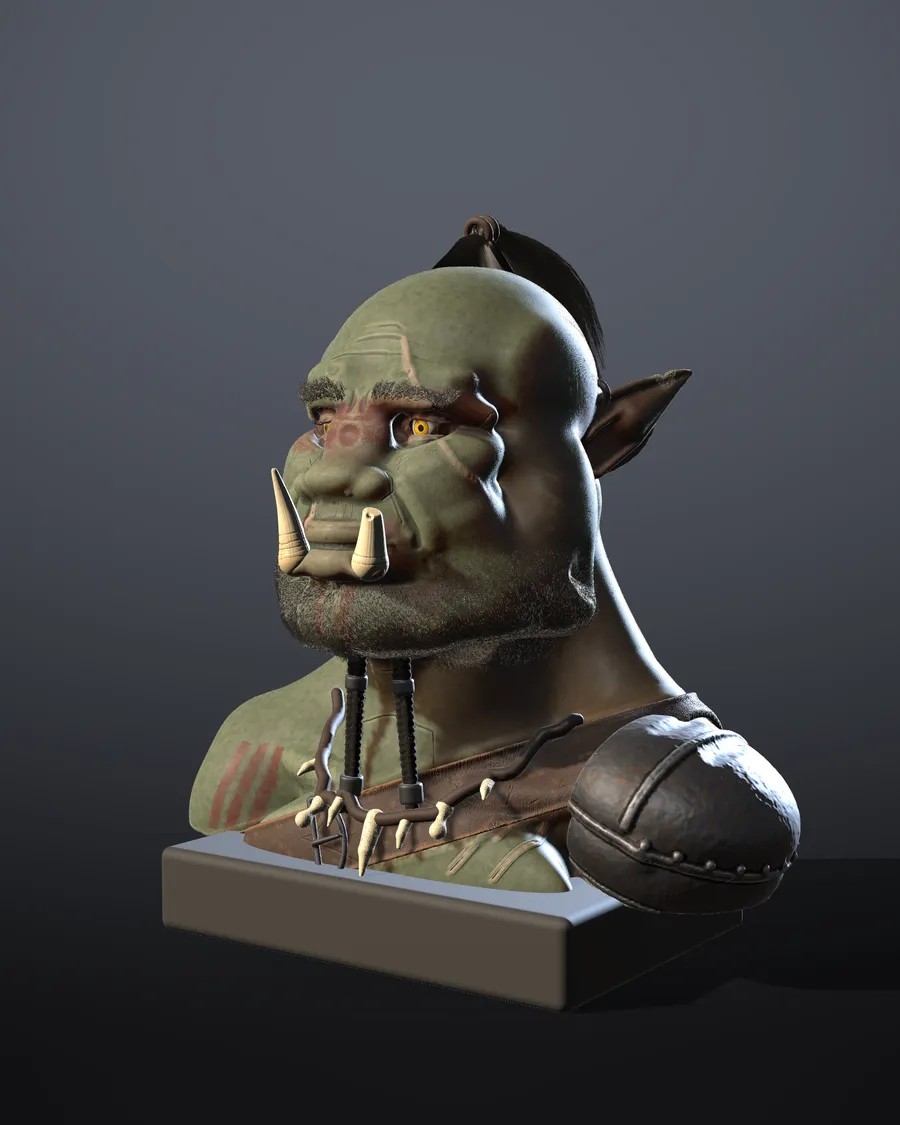
Pick a light, then a camera. The clay view shows the same bust before paint and finishes.
Made in Shapeaway
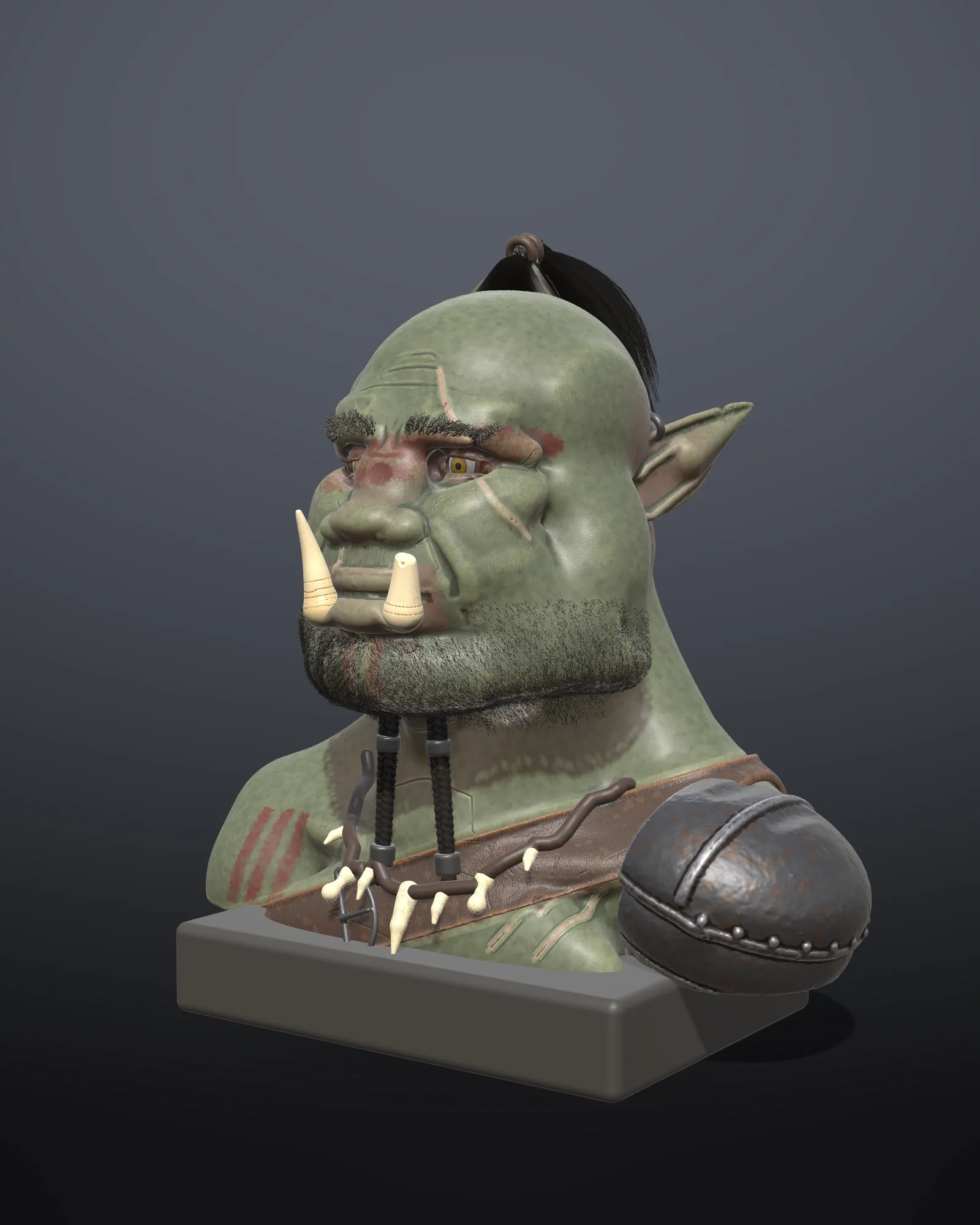 Vorgath, orc bustClay · Detail · Paint · HairPrinted in 12 parts
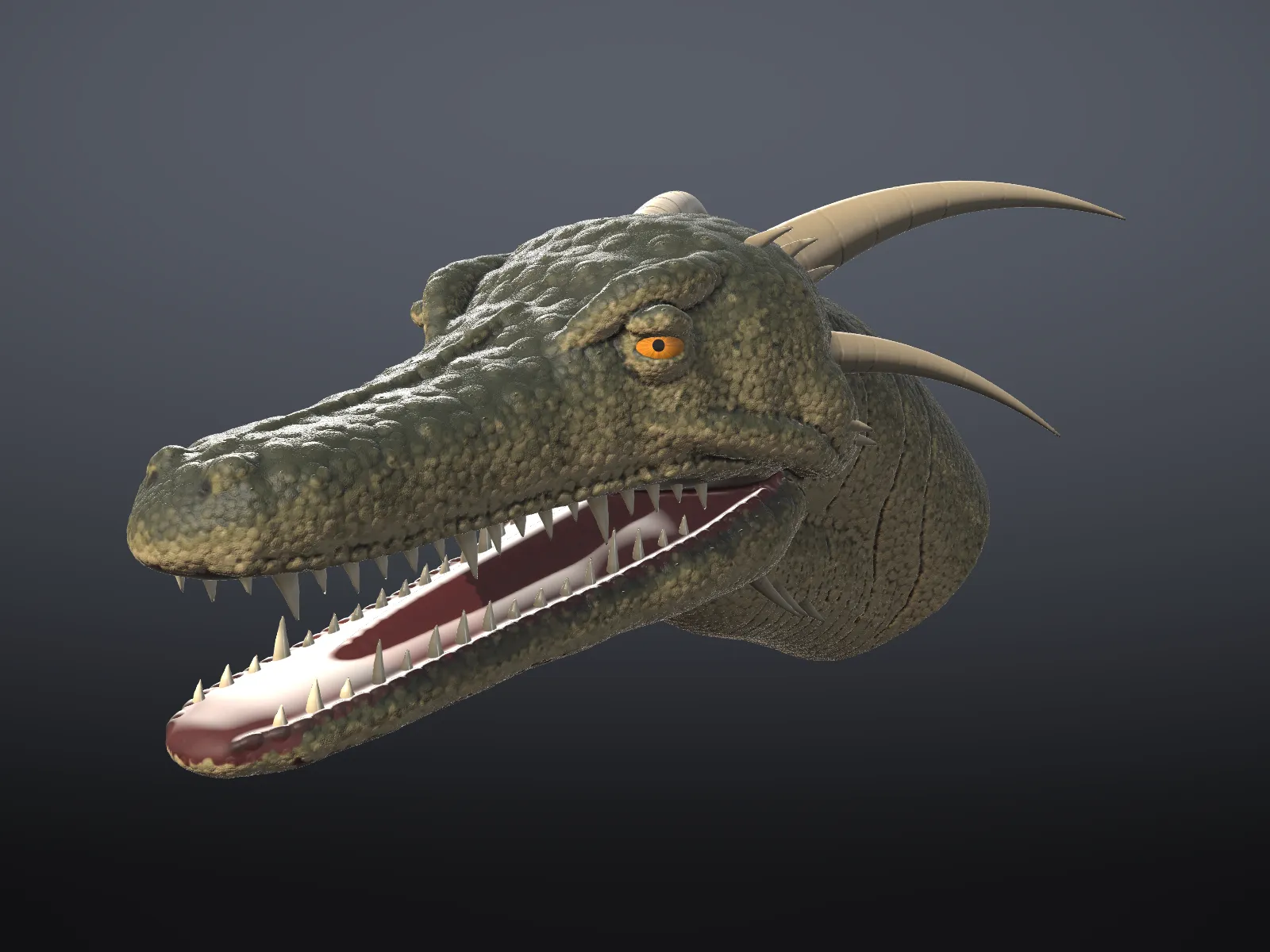 Dragon headClay · Detail · PaintPacked scale domes
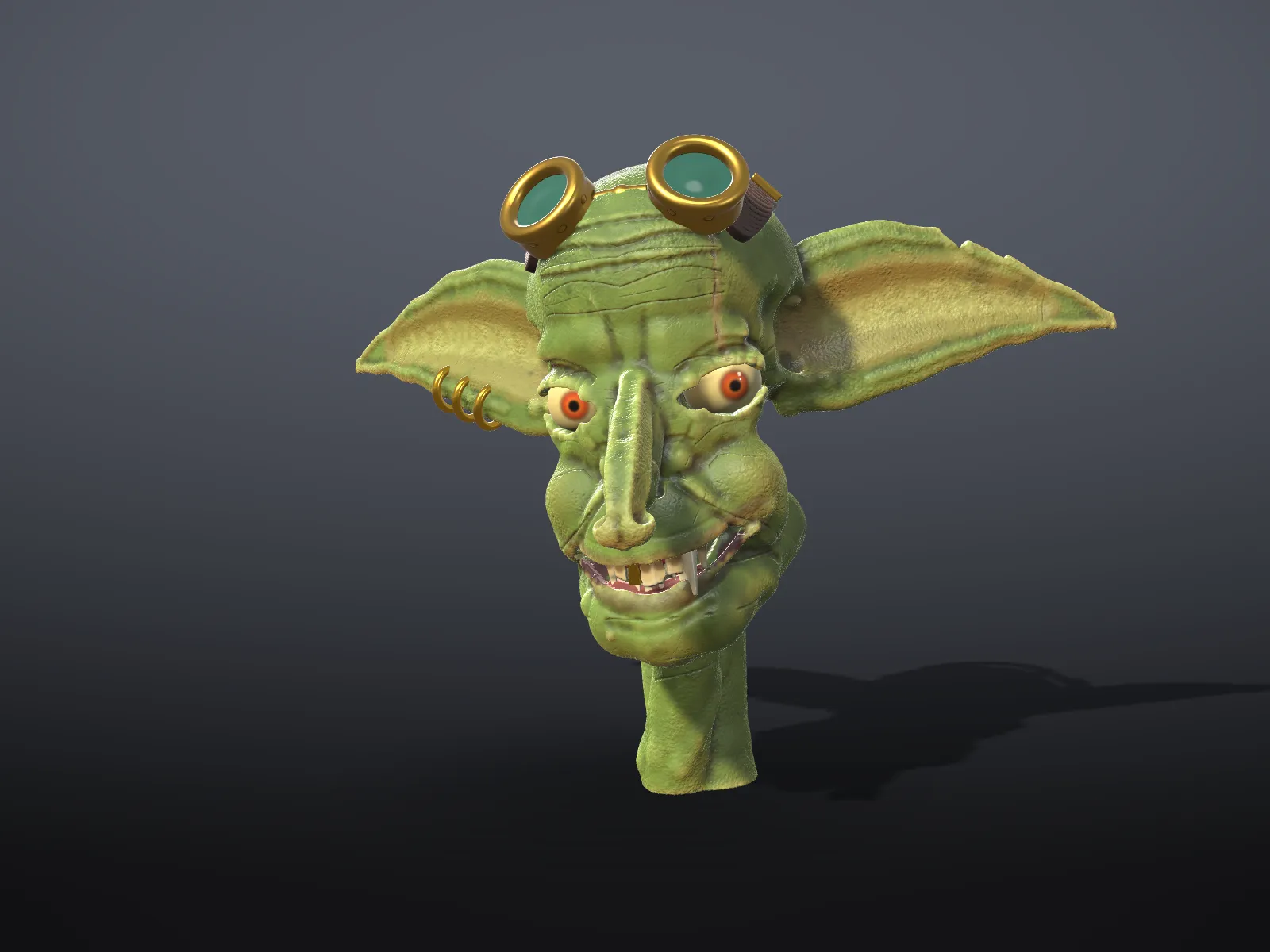 Goblin headClay · Detail · PaintParts as objects
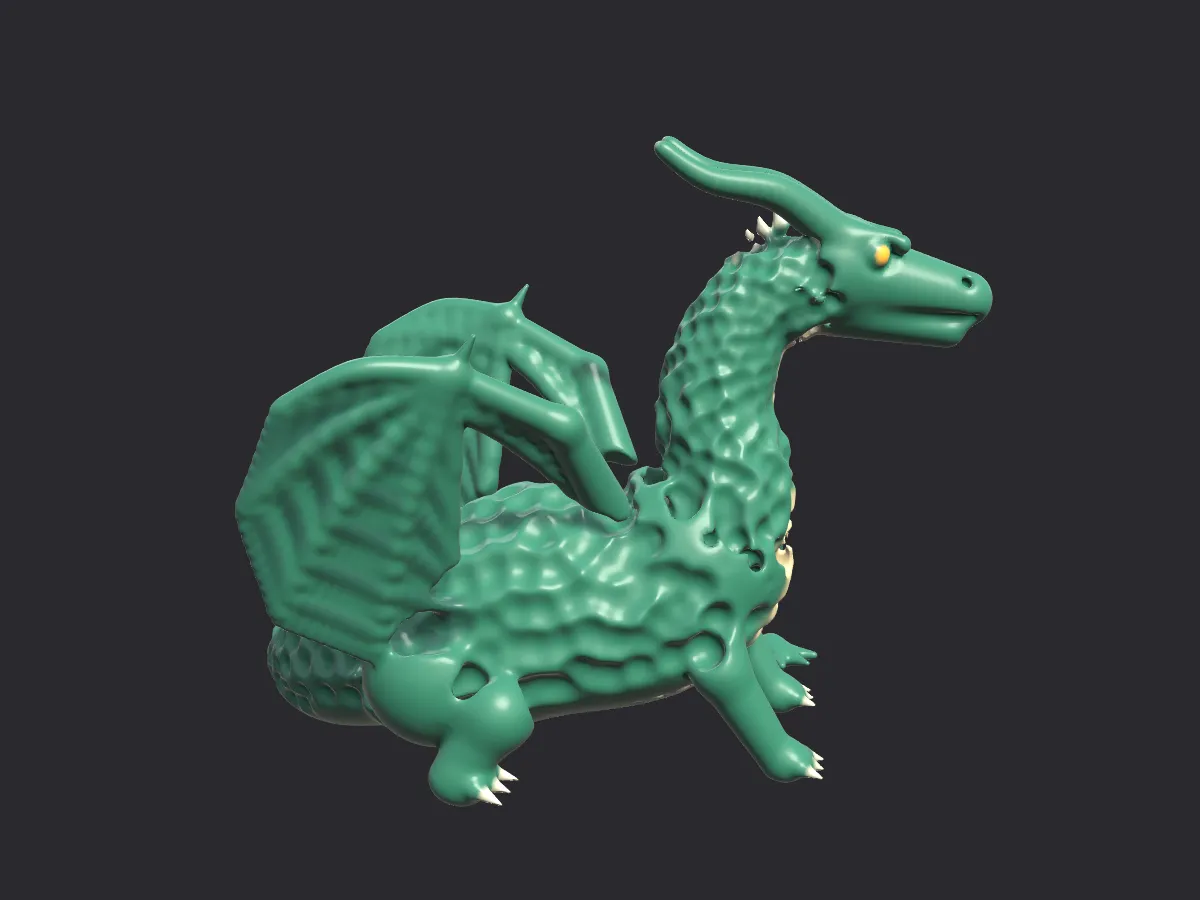 DragonClay · PaintRealistic view
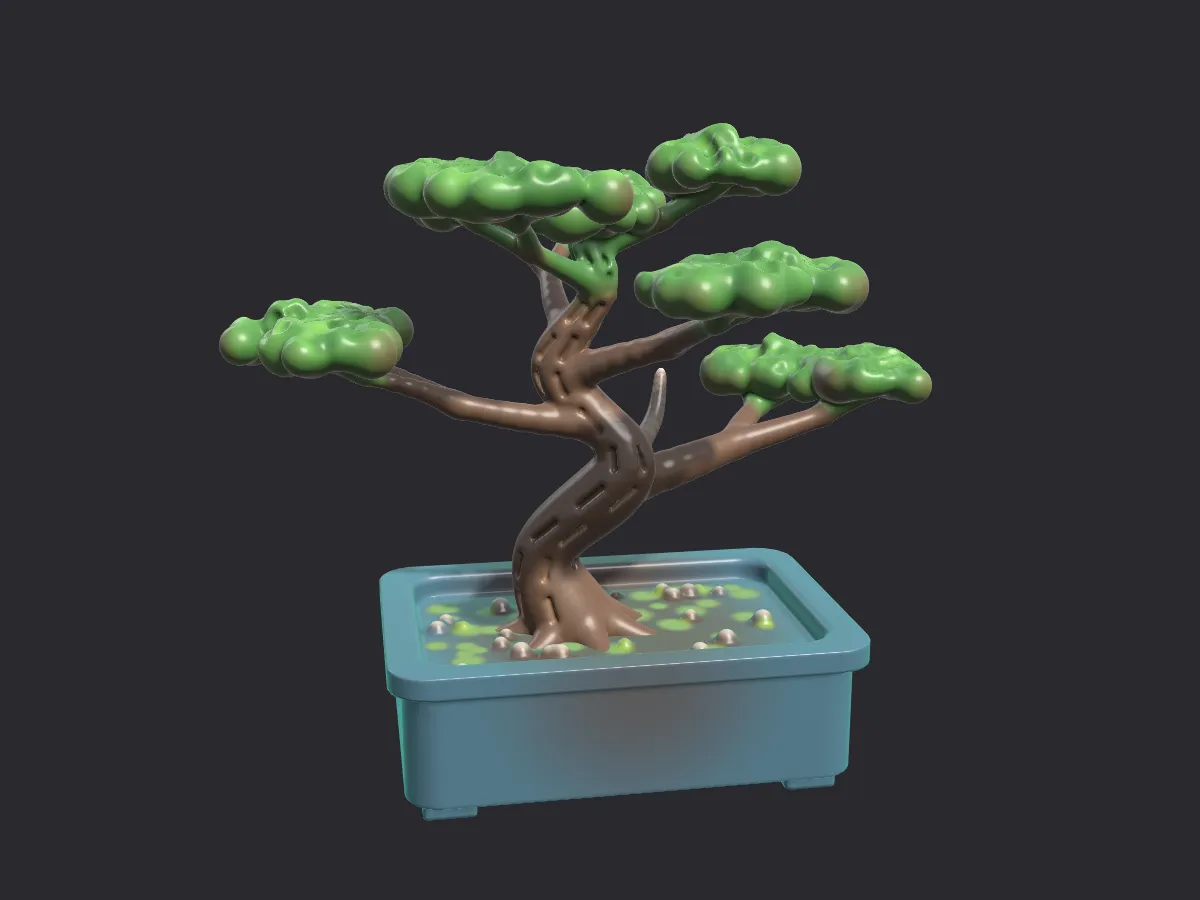 BonsaiClay · PaintPots, pebbles, moss
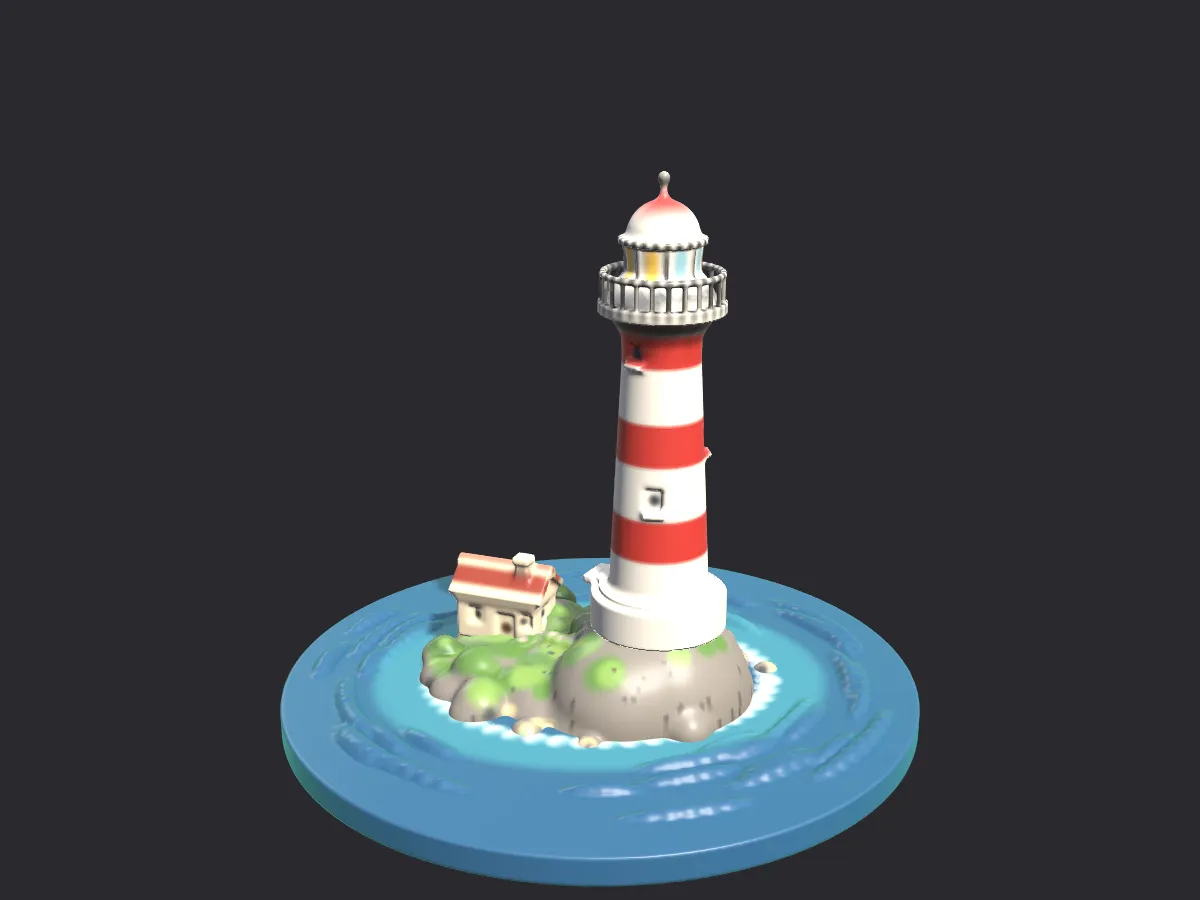 LighthouseClay · PaintStriped tower on rocks
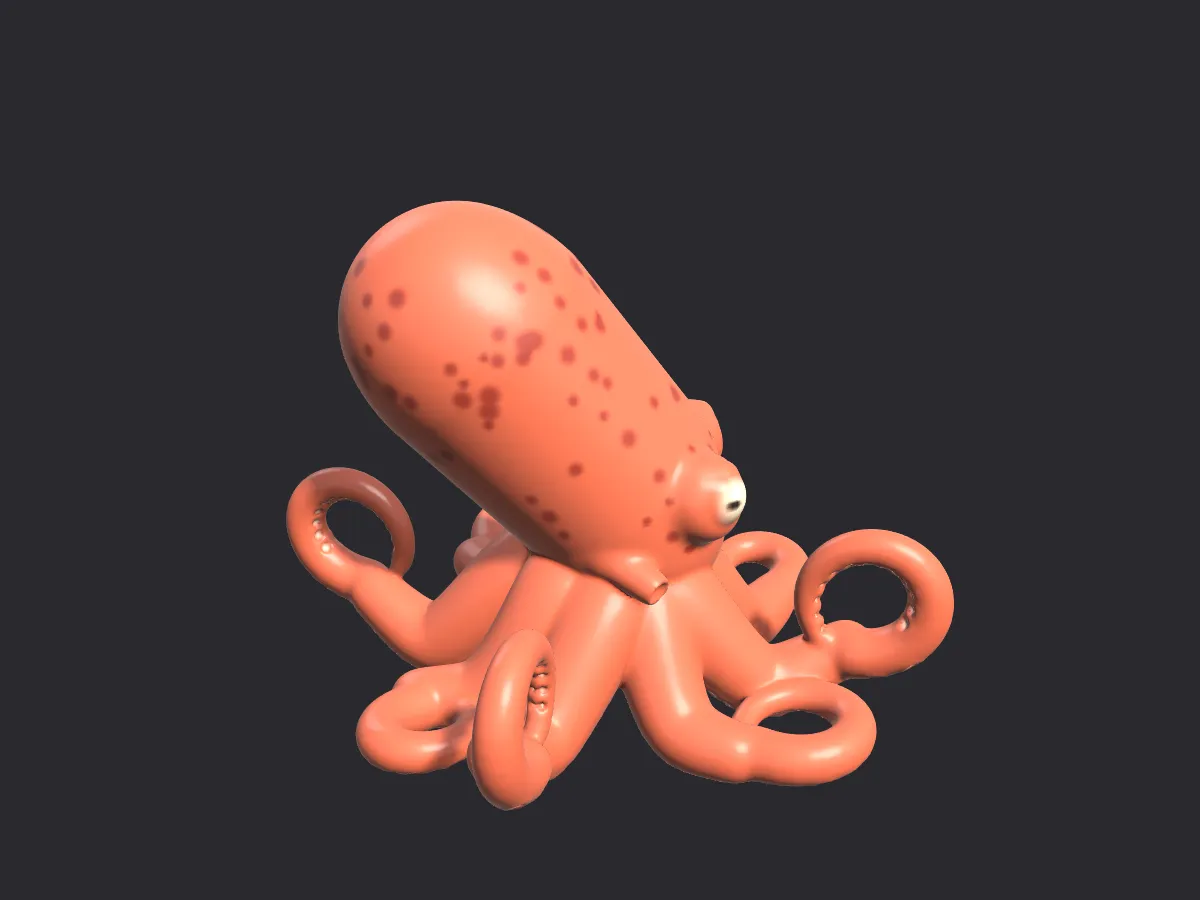 OctopusClay · PaintSnake Hook tentacles
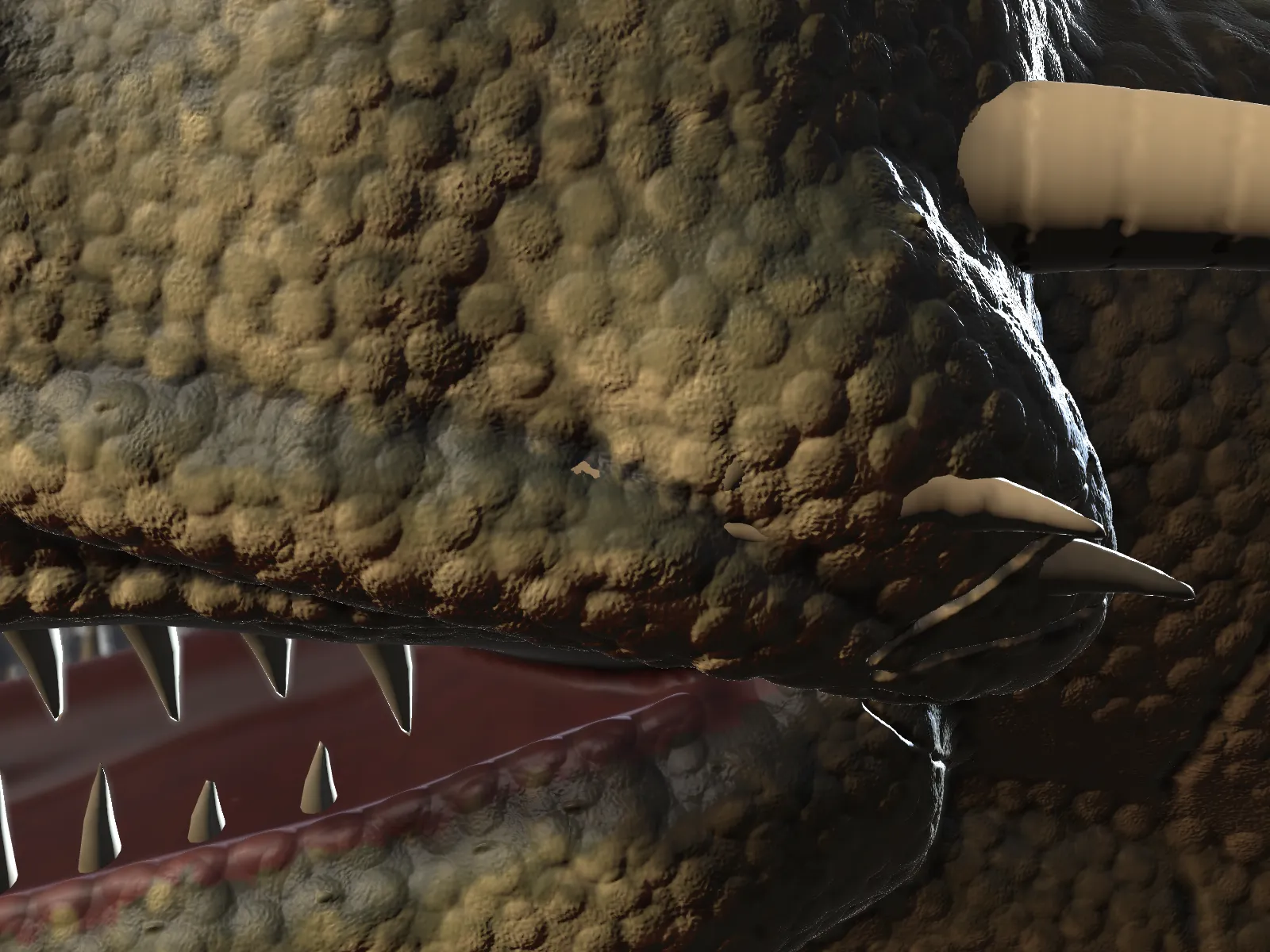 Dragon scalesDetail · Surface alphasClose-up, 10 M triangles
Ten tutorials, from duck to dragon.
Open the docs- 2 hoursA dragon head with scalesDetail meshes, surface alphas and cavity paintTablet, 16 GB RAM
- 3 hoursA character bust with hairObjects, finishes, grooming and lighting presetsTablet, 16 GB RAM
- 3 hoursA portrait from photosPhoto matching, pins and photo projectionThree or more photos
- 45 minA game-ready assetBake maps and export a low-poly OBJA finished sculpt
Questions
What does Shapeaway cost?
Do I need a drawing tablet?
Does it run on a Mac or Linux?
Which 3D printers and slicers does it work with?
How big can a sculpt get?
I already use Blender or ZBrush. Will I feel at home?
How do I report a bug?
Shapeaway 4.0 arrives 2 February 2027
One email on launch day with the £29 launch price (it's £39 after 2 March 2027), then the odd update. Unsubscribe in one click.