Changelog
Every release of Shapeaway, the digital clay sculpting app for Windows, newest first. Shapeaway numbers versions MAJOR.MINOR.PATCH: a new major version means older copies can’t open its new files.
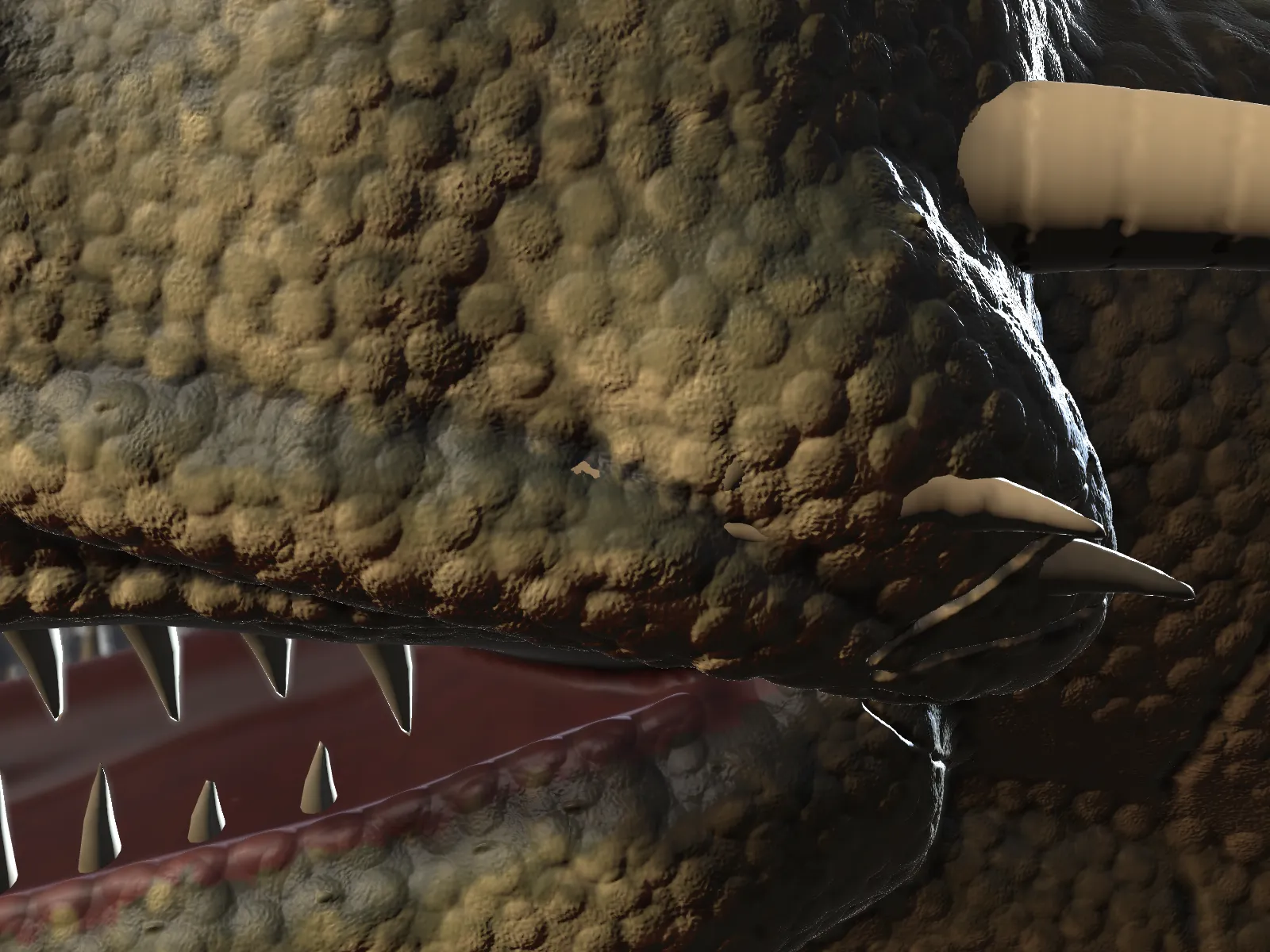
Detail meshes, studio tools, hair, and sculpting from photographs.
- NewDetail meshes: Add detail turns an object into a mesh you subdivide and sculpt, for scales, pores and wrinkles. Step down a level for broad changes; Back to clay makes it clay again, paint included.
- NewThe triangle ceiling for detail meshes follows your memory limit, from 24 million up to 48 million.
- NewNoise brush, and three stroke modes: Freehand, Drag (one dab, sized and turned by the drag) and Curve.
- NewTrim, Polish, Dam Standard and Move brushes (Shift+6 to Shift+9).
- NewMask cavities and Mask peaks, and Extract to pull a shell off a masked area for straps, clothing and armour.
- NewSeven more surface alphas: Pores, Skin, Wrinkles, Leather, Cracks, Stitches and Rivet.
- NewFinishes per object: roughness, metalness, specular, skin sheen, subsurface, translucency and oil, with Clay, Skin, Metal, Leather, Gloss, Fabric and Eye presets.
- NewLighting presets (Studio, Three-point, Dramatic), a backdrop, a ground shadow, and depth of field for stills and turntables.
- NewHair: grow a groom from any object and shape it with Add, Comb, Length, Cut, Puff, Smooth, Clump and Delete. Exports as tubes, curves for Blender, or hair cards.
- NewPhoto references with matched cameras: mark points on a photo and on the sculpt, and Shapeaway solves where the photo was taken. Look through any photo.
- NewProject colour from matched photos onto the sculpt, with the photo’s lighting removed, or brush it on with Paint from photo.
- NewEyes: New eye adds an eyeball with a wet sclera and an iris under a refracting cornea.
- NewTextured scans: OBJ and glTF bring their texture colours, and Fit detail to the scan takes a scan’s fine surface onto a detail mesh.
- NewBake maps: normal, displacement and colour maps with a low-poly OBJ, for game engines.
- ImprovedAlign to view turns the selected object so the way you’re looking becomes its front.
Files: 4.0 opens every earlier file. Sculpts with detail meshes, hair or photo references save in format 8, which 3.0 and older cannot open; other sculpts keep their format.
Faster and leaner at fine detail, and crisper creases.
- ImprovedBig brushes skip the parts that can’t change anything: a 3 cm stroke at Studio detail takes a fifth to a third less time.
- ImprovedBig sculpts save and open on every processor core: 9.5 s down to 2.8 s to save the painted Studio dragon, and under 2 s to open it.
- ImprovedUnpainted clay needs under a third of the memory it did; undo steps shrink the same way.
- ImprovedMeshes share their corners and use about a sixth of the memory.
- NewView › Sharp edges: dual contouring for clean creases and truer corners. Off by default.
- FixedMirrored strokes whose halves nearly touch no longer brush a strip between them twice.
Files: 3.0 opens every earlier file. Sculpts big enough to be saved in parts (most Studio sculpts) use format 6, which 2.6 and older cannot open.
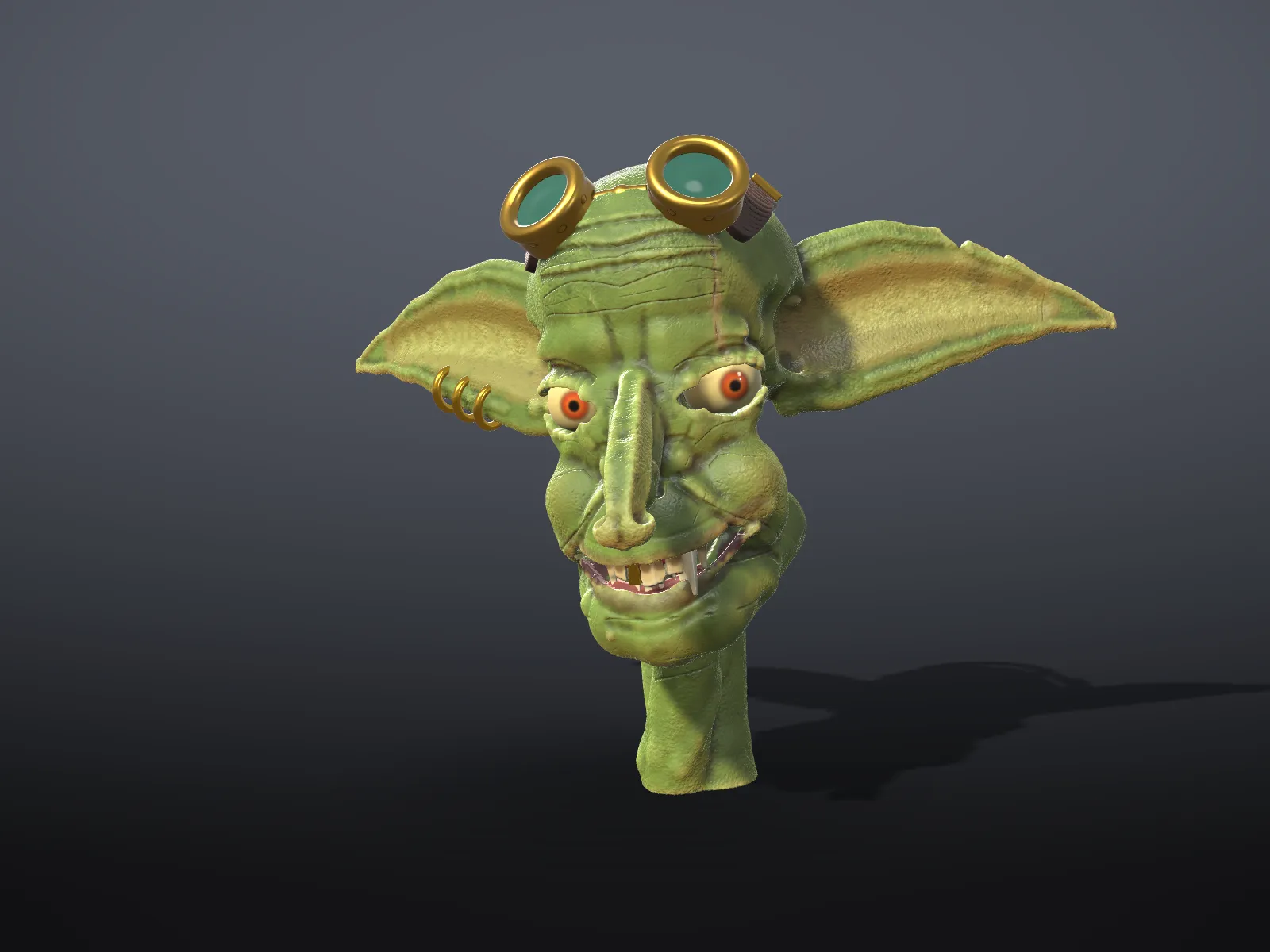
A new Studio detail level, leaner memory, and crisper small additions.
- NewStudio detail (0.4 mm) for miniatures, jewellery and faces. Best with 32 GB of memory.
- ImprovedDistances stored in 16 bits: about a fifth less memory at every level, and slightly faster strokes.
- ImprovedAdd, Carve and Shape blend over a fifth of the brush size, so small brushes make crisp teeth, scales and ridges.
- ImprovedCavity shading is as strong at Studio as at Ultra.
Shapeaway 2.5.1
October 2026
Fixes for upgrading.
- FixedThe welcome card appears once after each feature update, saying what’s new; patch updates don’t bring it back.
- FixedSettings made while developing in the Unity editor no longer leak into the installed app.
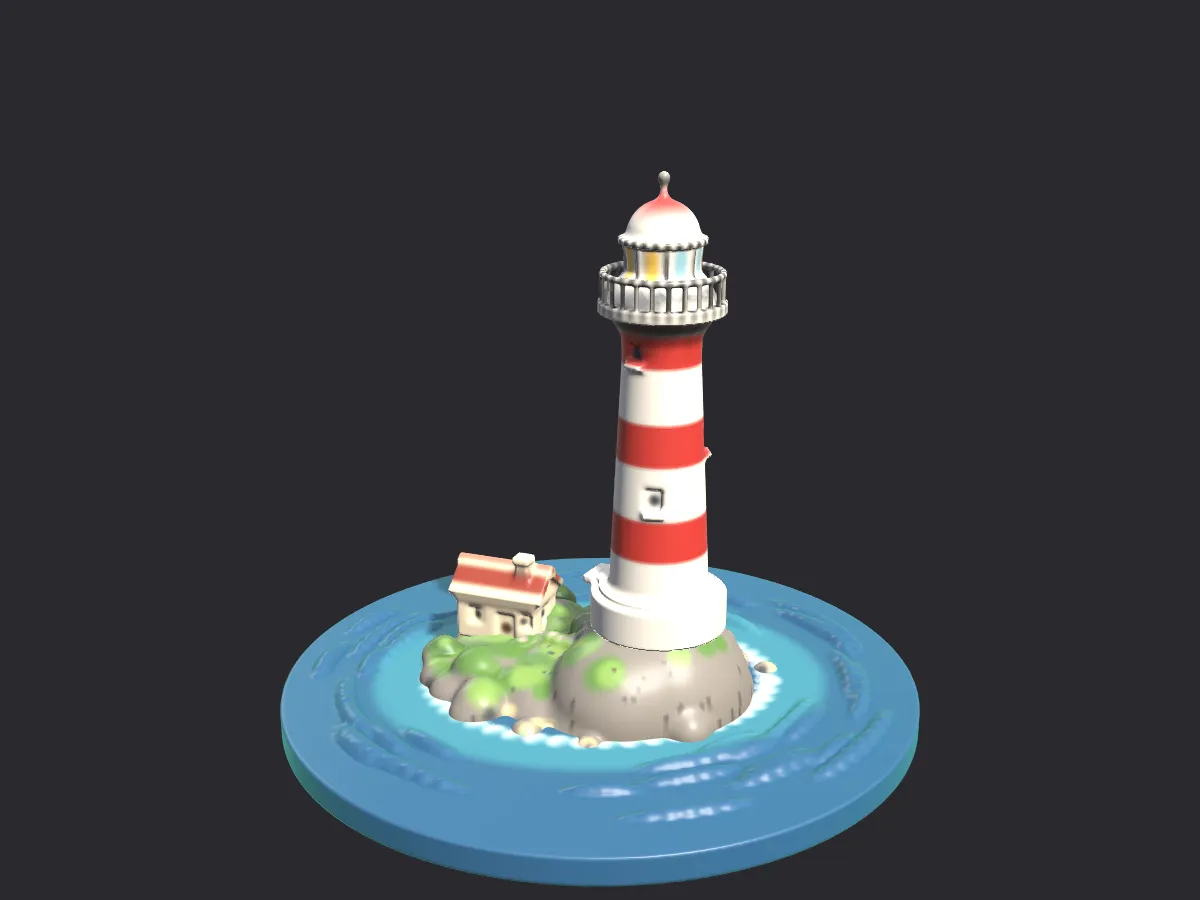
An unbounded canvas, mesh import, multiple objects, printing tools, new looks, onboarding and a new interface.
- NewA redesigned interface: a floating tool rail, a tabbed inspector (Tool, Objects, Looks, Refs, Print) and a context bar.
- NewClay Strips, Crease, Snake Hook and Layer brushes; falloff curves, a pressure curve, spacing and texture stamps.
- NewA move-turn-scale gizmo, a radial tool menu on Space, and rebindable shortcuts.
- NewAn unbounded canvas up to a build limit (1 m by default) instead of a fixed 20 cm box.
- NewImport STL, OBJ, PLY and glTF/GLB as clay, with holes closed and vertex colours kept as paint.
- NewSeveral objects per sculpt; Merge, Subtract and Intersect; export everything, the selection, or each object.
- NewOverhang view, print-bed presets, a print report, split with pegs, bases with lettering, and multi-colour 3MF.
- NewCavity shading, a view cube, orthographic view, reference images, an undo history list, PNG and turntable GIF export.
- NewImported matcaps, flat shading, wireframe and a realistic view with soft shadows.
- NewFour sample sculpts, a seven-step guided tour, and a crash report you can save and share by hand.
Files: 2.5 opens every 1.0 file. Its own sculpts use format 4 (or 5 with several objects), which 1.0 cannot open.
The first release: digital clay for art and 3D printing.
- NewTen tools: Add, Carve, Smooth, Flatten, Inflate, Pinch, Grab, Shape, Paint and Mask.
- NewPen pressure, mirror and radial symmetry, lazy mouse, the pottery wheel and the wire cutter.
- NewStart from a sphere, cube, cylinder, coil or slab at Draft, Standard, Fine or Ultra detail.
- New.shapeaway files with thumbnails, autosave every two minutes and crash recovery.
- NewSTL, OBJ, GLB and PLY export, and print helpers: wall thickness, flat base, hollow, remove floating bits.