Get Shapeaway 4.0
Shapeaway is the digital clay sculpting app for Windows 10 and 11. One installer, about a minute to install. It installs for your user only, so it needs no administrator password, and it upgrades any older version in place, keeping your settings, autosaves and sculpts.
- Version
- 4.0.0
- Arrives
- 2 February 2027
- Price
- £39 once (£29 in the first month), free demo
- Size
- TBC
- SHA-256
- TBC
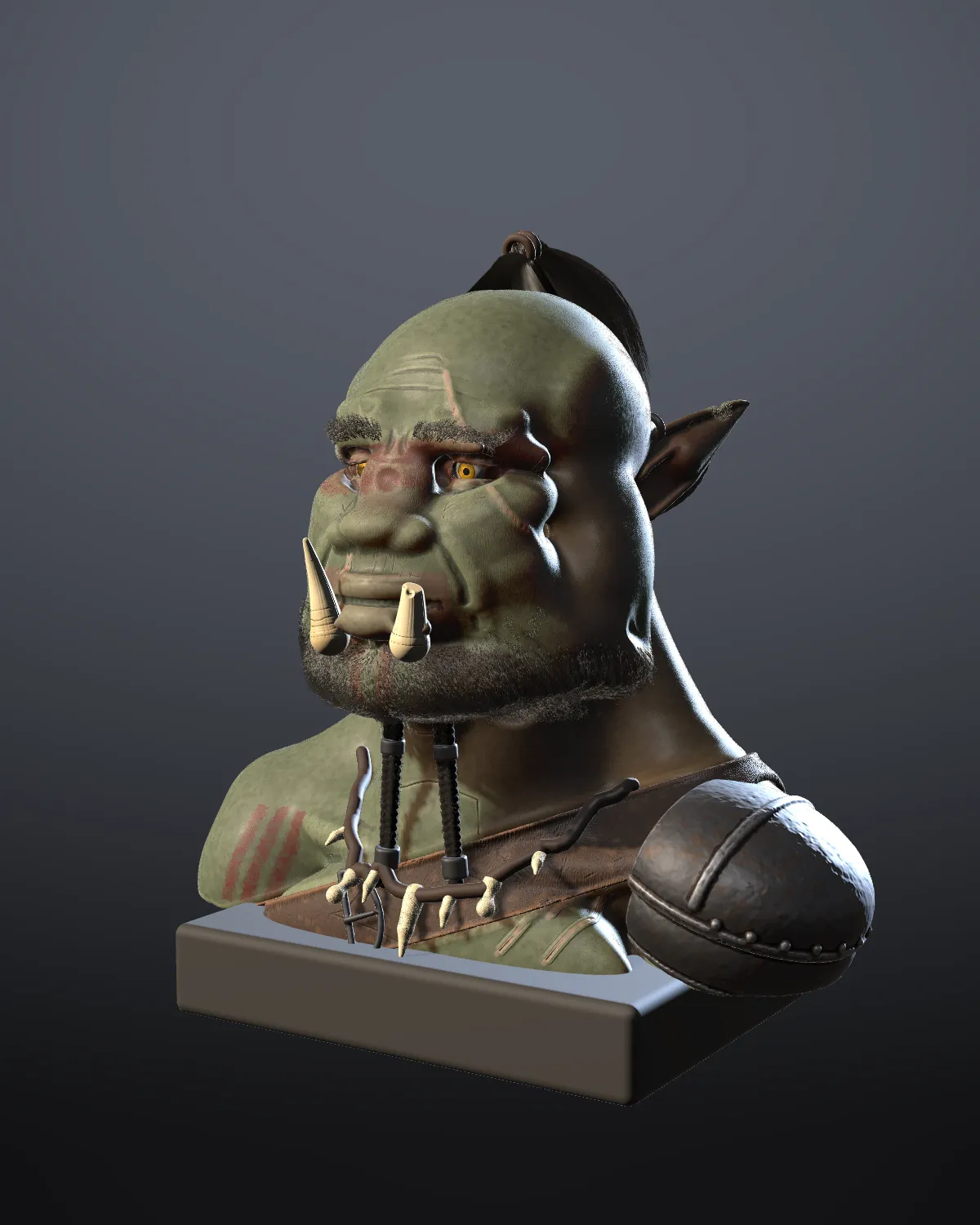
New in 4.0
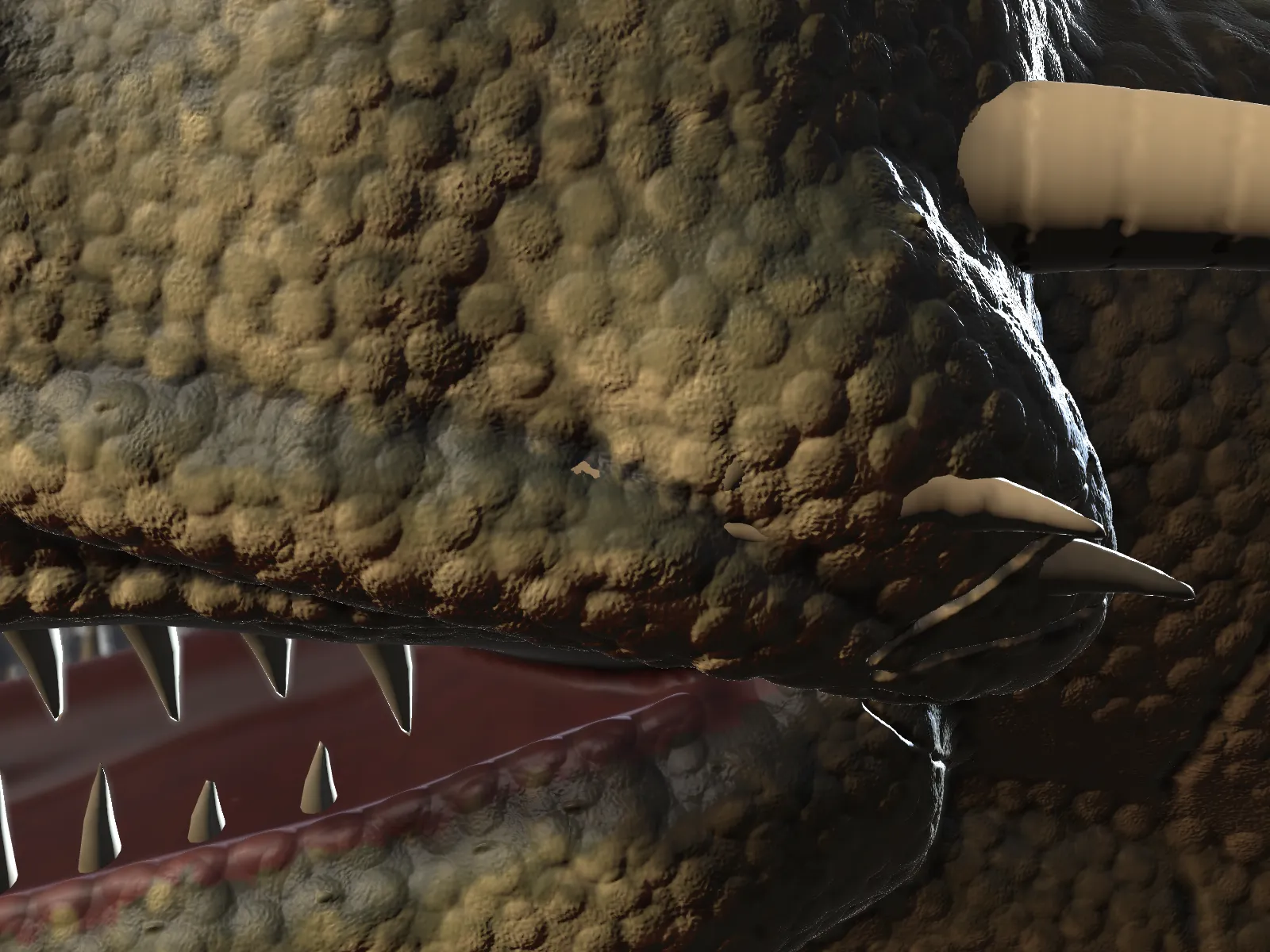 Detail meshesSubdivide a finished form for pores, scales and wrinkles.
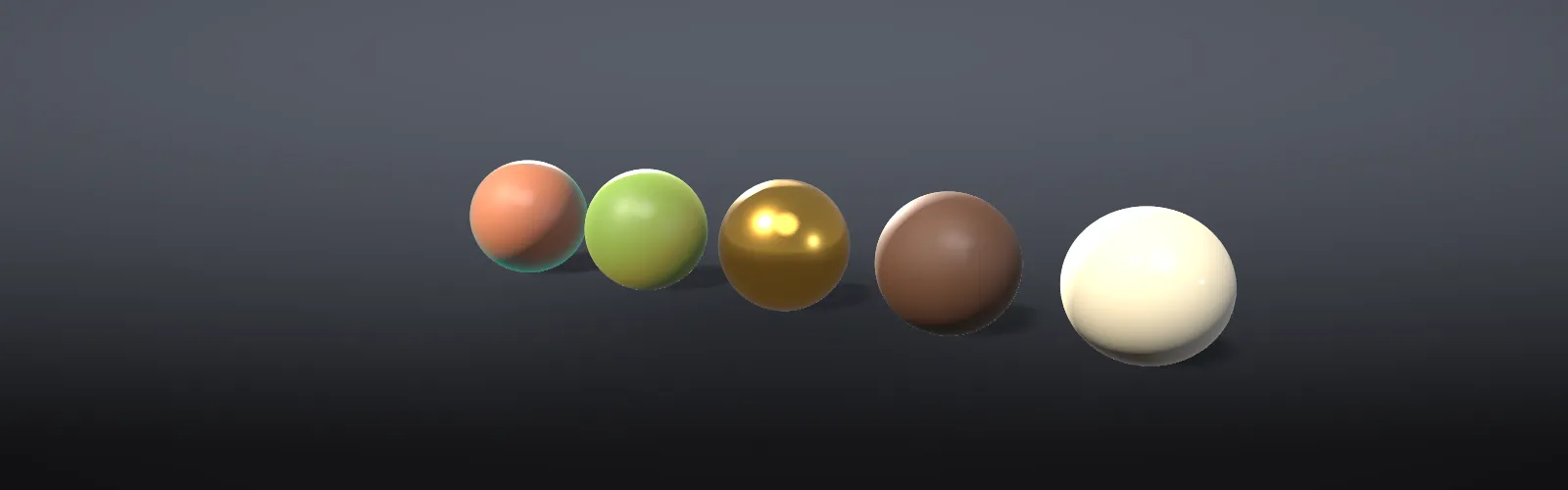 Finishes and lightingSkin, metal, leather and eye materials under studio presets.
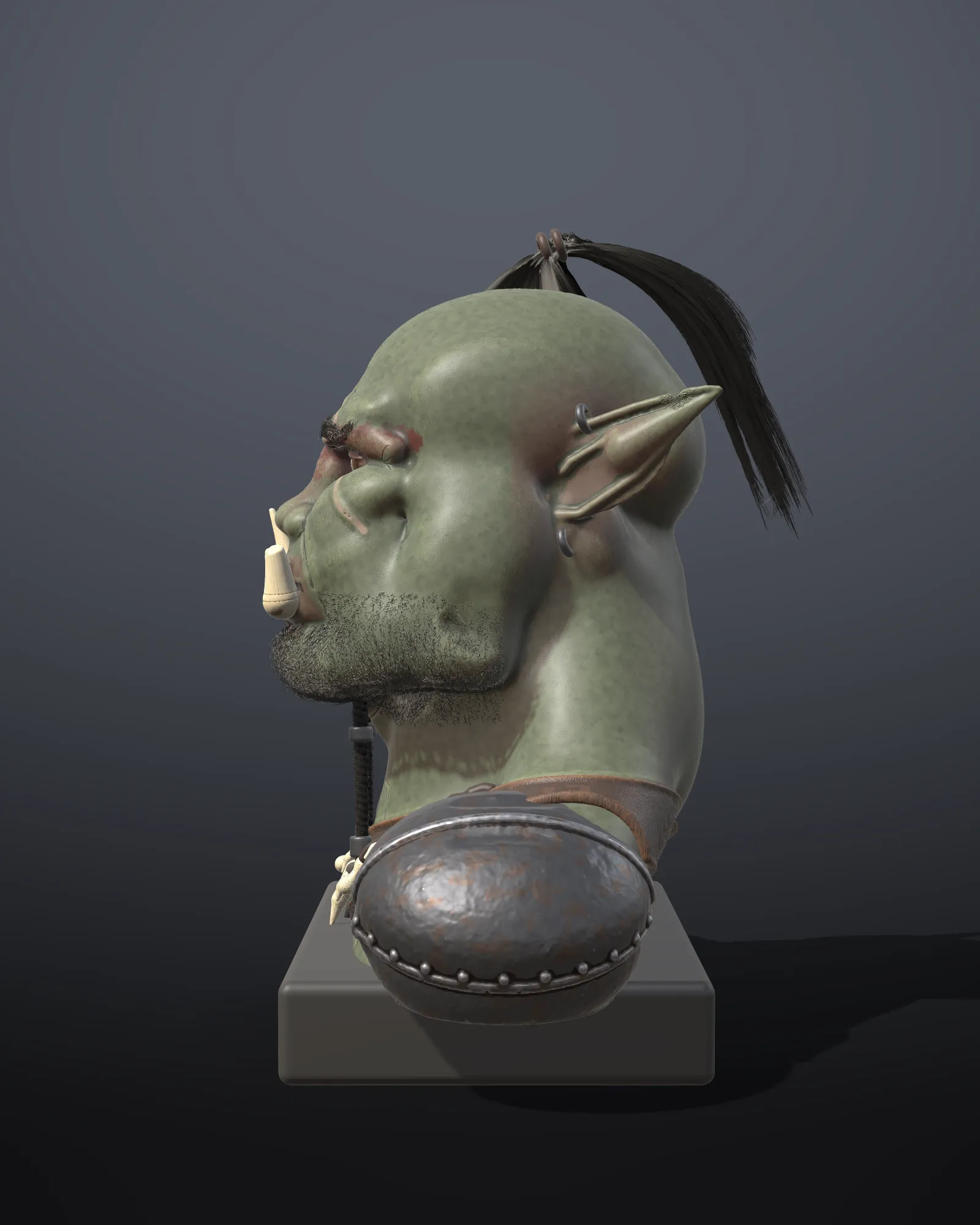 Hair and photosGroom strands, and sculpt and paint from matched photographs.
What you need
| System | Windows 10 or 11, 64-bit |
|---|---|
| Memory | 8 GB is plenty up to Fine detail. Ultra is best with 16 GB, Studio with 32 GB. |
| Graphics | A graphics card that runs DirectX 11 or later |
| Input | A mouse, or a pen tablet with Windows Ink for pressure |
If Windows warns you
The first time you run a new version, Windows SmartScreen may say “Windows protected your PC”. That warning means Windows hasn’t seen the file often yet, not that it found anything wrong. Steam installs don’t see it.
- Choose More info.
- Check the app is
ShapeawaySetup-4.0.0.exe. - Choose Run anyway.
To be sure the file is the one we published, compare its fingerprint with the SHA-256 above. In PowerShell:
Get-FileHash .\ShapeawaySetup-4.0.0.exeWhy it happens and what to do if there’s no Run anyway button: Windows SmartScreen warning. Uninstalling and where your files live: Installing and updating. What the free demo does and how to enter your licence key: Demo and full version.
Your first ten minutes
When Shapeaway opens, the welcome card offers four sample sculpts and a seven-step guided tour: add clay, turn, zoom, carve, smooth, undo and paint. Take the tour, then follow Sculpt a duck from a ball of clay.